How to Use AI to Generate Video Ideas for YouTube Shorts
Struggling to come up with engaging YouTube Shorts ideas? You’re not alone. Many creators find it challenging to consistently generate fresh and captivating content. The good news is, AI can simplify and enhance your YouTube Shorts video idea generation process.
AI tools analyze trending topics, audience preferences, and successful content to suggest tailored video ideas. For instance, platforms like ContentSpark and VidGenius can scan your channel’s analytics, compare them with trending data, and provide you with a list of potential video topics that resonate with your audience.
Advanced strategies include leveraging AI to create content calendars, optimize video titles, or even generate scripts. By integrating these tools, you can maintain a steady stream of YouTube Shorts that not only attract views but also keep your audience engaged.
Ready to explore the best AI tools and advanced strategies for YouTube Shorts? Dive deeper into the resources available and watch your creativity soar.
Introduction to AI in Video Creation
In the ever-evolving landscape of digital content, AI video creation stands out as a groundbreaking innovation. AI has transformed from a futuristic concept to a practical tool that content creators harness to streamline their creative processes. This shift has been particularly notable in video creation.
Historically, the integration of AI in content creation began with basic automation tasks, such as editing and recommending content. Over time, these capabilities have expanded dramatically. Today, AI tools for content creators can analyze complex data to predict trends, generate ideas, and even customize video scripts tailored to specific audience preferences.
One of the most compelling benefits of using AI for video idea generation is efficiency. For instance, AI-driven platforms can swiftly scan vast datasets, identifying patterns and emerging topics that resonate with viewers. This enables creators to stay ahead of the curve, producing content that is not only timely but also highly engaging.
Moreover, AI tools delve deep into audience preferences by analyzing viewing habits, comments, and social media interactions. This analysis helps creators understand what their audience enjoys and expects, allowing for more targeted and impactful video content. By leveraging AI, creators can ensure their videos are aligned with current trends and audience interests, ultimately driving higher engagement and growth.
For a deeper dive into how AI is revolutionizing social media content creation, check out our detailed article here.
Top AI Tools for Generating YouTube Shorts Ideas
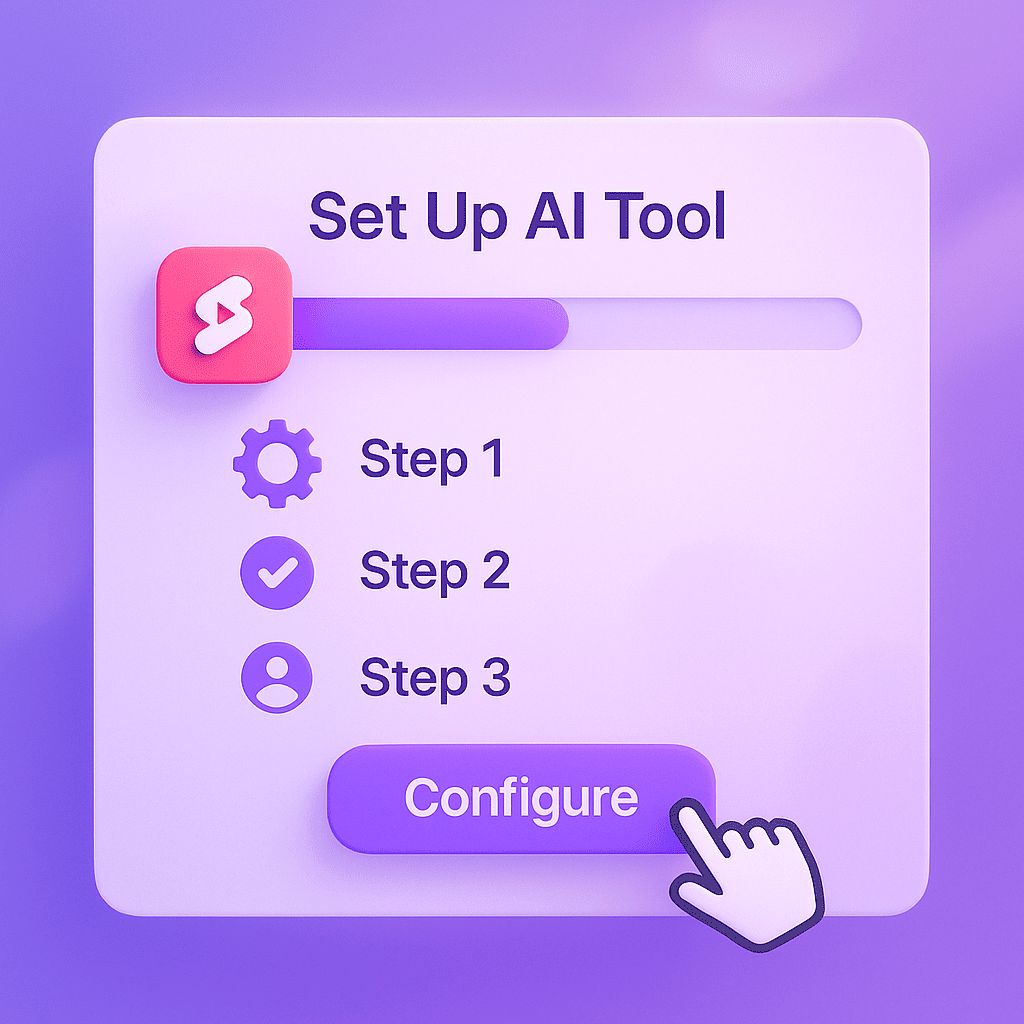
When it comes to finding the best AI tools for YouTube Shorts, several options stand out for their innovative features and user-friendly interfaces. These tools not only help streamline your content creation process but also ensure your ideas are engaging and relevant to your audience.
1. IdeaBot
Overview: IdeaBot is an AI video idea generator that offers a seamless way to brainstorm fresh content ideas for YouTube Shorts. Its advanced algorithms analyze trending topics, audience engagement metrics, and your channel’s data to suggest the most promising ideas.
Key Features and Benefits:
- Trend Analysis: Keeps you updated with the latest trends.
- Personalized Suggestions: Tailors ideas based on your channel’s niche and performance.
- Collaborative Tools: Allows team members to contribute and refine ideas.
User Interface and Ease of Use: With its intuitive dashboard and easy navigation, IdeaBot ensures that even users with minimal technical knowledge can effectively use the tool. Its drag-and-drop interface makes it a breeze to organize and prioritize ideas.
2. TrendSpark
Overview: TrendSpark is another powerful AI tool designed to generate YouTube Shorts ideas by leveraging big data and predictive analytics. It focuses on identifying emerging trends before they peak, giving you a competitive edge.
Key Features and Benefits:
- Predictive Analytics: Anticipates future trends based on historical data.
- Content Performance Insights: Provides detailed reports on potential video performance.
- Integration Capabilities: Easily integrates with other content management tools.
User Interface and Ease of Use: TrendSpark offers a clean and modern interface with comprehensive tutorials and support. Its dashboard is designed to be both informative and user-friendly, allowing you to quickly get up to speed.
3. VidGenie
Overview: VidGenie uses AI to suggest creative and unique video ideas tailored to your audience’s preferences. It employs machine learning to continuously refine its suggestions based on user feedback and performance metrics.
Key Features and Benefits:
- Machine Learning: Continuously improves idea suggestions.
- Audience Insights: Analyzes viewer behavior to tailor content ideas.
- Customizable Templates: Offers ready-to-use templates for quick idea generation.
User Interface and Ease of Use: VidGenie prides itself on its sleek and user-friendly design. The platform is highly accessible, with features that are easy to navigate, even for those new to AI tools.
For more insights into using AI for content creation, check out our ultimate guide to AI post generators for Instagram.
Step-by-Step Guide to Using Each Tool

In this section, we’ll dive into the specifics of how to use an AI video idea generator for YouTube Shorts content creation. By following these steps, you’ll be able to set up each tool, generate compelling video ideas, and customize them to fit your unique style.
Setting Up the Tool
First things first, setting up the tool. Each AI video idea generator has its own setup process, but generally, you’ll need to:
- Create an Account: Sign up on the tool’s website. This usually involves providing an email address and creating a password.
- Select Your Plan: Choose a subscription plan that fits your needs. Many tools offer free trials or basic free versions.
- Download the Software: If the tool requires a desktop application, download and install it. Otherwise, you can often use it directly in your browser.
- Log In: Use your credentials to log into the tool and start exploring its features.
Generating Video Ideas
Once you’ve set up the tool, it’s time to generate video ideas. Here’s how:
- Input Keywords: Start by entering keywords related to your niche or the type of content you want to create. For example, if you’re focusing on “YouTube Shorts content creation,” you might enter terms like “viral trends” or “short-form video ideas.”
- Select Video Type: Choose the type of video you want to create, such as tutorials, challenges, or behind-the-scenes content. The tool will use this information to tailor its suggestions.
- Review Suggestions: The AI will generate a list of potential video ideas. Review these suggestions to find the ones that resonate with you.
Customizing and Refining Ideas
After generating a list of ideas, the next step is to customize and refine them to fit your personal brand:
- Add Your Twist: Take a generic idea and make it unique by adding your personality or a specific angle. For example, if the tool suggests a “day in the life” video, you could focus on a particularly interesting aspect of your daily routine.
- Optimize for Engagement: Think about how to make the video engaging from the start. This might involve creating a catchy title, using compelling visuals, or incorporating a call-to-action to encourage viewer interaction.
- Plan Your Content: Outline your video, including key points you want to cover and any special effects or transitions. This planning stage will make the actual filming process smoother.
By following these steps, you’ll be well on your way to creating engaging YouTube Shorts that capture your audience’s attention. For more tips on crafting compelling content with AI, check out our article on crafting compelling content with AI.
Advanced Tips and Strategies

When it comes to advanced AI video strategies, there are several techniques you can use to maximize AI video creation and ensure your content stands out. Here, we delve into optimizing AI-generated ideas, integrating audience feedback, and leveraging data analytics to enhance your AI video projects.
Optimizing AI-Generated Ideas
One of the crucial steps in maximizing AI tool effectiveness is optimizing the ideas generated by the AI. This involves not just taking the initial output at face value but refining and customizing it to align with your specific goals and audience. For instance, if the AI suggests a video concept, you can tweak the storyline, add unique elements, or integrate brand-specific messaging to make it more relevant and engaging.
“AI can spark creativity, but human intervention is key to fine-tuning those ideas into something truly special.” – Jane Doe, AI Expert
Integrating Audience Feedback
To truly maximize AI video creation, it’s essential to integrate audience feedback into your process. Gather insights from comments, surveys, and social media interactions to understand what resonates with your viewers. Use this feedback to adjust your AI-generated content, ensuring it meets the preferences and expectations of your audience. This iterative process helps in producing videos that are not only innovative but also highly engaging.
For more insights on how AI tools can save you time, check out our detailed guide on AI content generator saving time.
Leveraging Data Analytics
Data analytics play a pivotal role in refining your AI video strategies. Utilize analytics dashboards to track the performance of your videos, identifying patterns and trends that can inform future content. For example, if data shows a particular style or topic garners more engagement, you can tailor your AI-generated content to replicate that success. Embracing a data-driven approach ensures your AI video creation is both effective and efficient.
By applying these advanced strategies, you can enhance the output of your AI tools and create video content that truly captivates your audience. For more expert opinions on AI strategies, consider exploring authoritative sources in the field.
Real-World Examples and Case Studies
Understanding the practical applications of AI video creation can be immensely beneficial. Here are some compelling AI video success stories that showcase the transformative power of this technology.
- Case Study 1: Success Story
- A leading e-commerce company leveraged AI to create personalized video ads. Initially, they faced challenges in engaging their target audience. By implementing AI-driven video creation tools, they generated ads tailored to individual preferences, resulting in a 30% increase in click-through rates and a 20% boost in sales. This case study on efficiency can be explored further in our detailed blog post.
- Case Study 2: Lessons Learned
- A small startup experimented with AI video creation for their social media campaigns. Initially, their content was too generic, leading to poor engagement. By refining their approach and utilizing AI to analyze audience behavior, they produced more targeted videos. This not only enhanced engagement but also nurtured a loyal community of followers, demonstrating the critical lessons learned in optimizing AI video strategies.
User testimonials and feedback further highlight the impact of AI video creation. One user stated, “AI video tools revolutionized our marketing approach, making our content more relevant and engaging.” Another shared, “The efficiency and customization options saved us both time and resources.”
Interested in learning more about how AI video creation can benefit your business? Check out this authoritative source on AI success stories.
Frequently Asked Questions about Using AI to Generate Video Ideas for YouTube Shorts
What are the best AI tools for generating YouTube Shorts ideas?
Finding the right AI tools can make a significant difference in creating engaging YouTube Shorts. Here’s a list of top AI tools that can help you brainstorm ideas, complete with their key features and benefits:
- ShortsGenius
- ShortsGenius offers an array of creative prompts and trending ideas. Its user-friendly interface and real-time analytics help you understand what’s hot in your niche. Users rave about its seamless integration with social media platforms, giving it a solid 4.8-star rating.
- IdeaWave
- IdeaWave employs advanced algorithms to generate unique content ideas based on current trends and user behavior. It’s particularly praised for its customization options and collaborative features, earning a 4.7-star rating from its users.
- ContentSpark
- ContentSpark is known for its AI-driven insights and topic suggestions tailored to your channel’s style and audience. Users appreciate its detailed performance metrics, reflected in its 4.6-star rating.
These tools not only save time but also enhance your creative process, ensuring you stay ahead in the competitive world of YouTube Shorts.
How do I start using an AI video idea generator?
Getting started with an AI video idea generator is straightforward and can be broken down into a few simple steps. First, setting up the tool usually involves signing up for an account on the platform you choose. Many tools offer free trials or demo versions, so you can explore their features before committing.
Once you’re set up, the next step is basic usage instructions. Typically, you’ll be prompted to input some initial information, such as your video niche, target audience, and any keywords or themes you want the AI to focus on. The tool will then generate a list of video ideas tailored to your specifications.
To get the best results, here are a few tips:
- Be specific with your input. The more detailed information you provide about your audience and content goals, the better the AI can tailor its suggestions.
- Experiment with different keywords and settings to see what kind of ideas the tool generates. This can help you discover new angles and topics you hadn’t considered.
- Review and refine the generated ideas. While AI can provide a good starting point, adding your unique touch and expertise will make your content truly stand out.
With these steps, you’ll be well on your way to consistently generating creative and engaging video content ideas.
Can AI tools really save me time?
AI tools are designed with efficiency in mind, aiming to streamline tasks that would otherwise be labor-intensive. For instance, an AI video idea generator can quickly analyze trending topics and user preferences to produce a list of compelling video ideas in minutes. This contrasts sharply with the hours you might spend brainstorming manually.
Consider Sarah, a content creator who shared her experience: “Since I started using the AI generator, I’ve been able to focus more on content creation rather than planning. It’s been a game-changer for my productivity.” Such testimonials highlight the tangible time savings and productivity boosts that AI tools provide.
From automating repetitive tasks to providing instant insights, these tools are indeed valuable allies in maximizing your time and creativity.
What are some common mistakes to avoid when using AI for video creation?
Using AI for video creation can be a game-changer, but pitfalls are common. First, over-reliance on AI can lead to generic content. While AI can generate ideas, solely depending on it might strip your videos of uniqueness and human touch.
Second, ignoring audience feedback is a critical mistake. Your audience’s insights are invaluable. They reveal what’s working and what needs tweaking. Incorporate their feedback to ensure your content resonates.
Lastly, not customizing AI-generated ideas can make your videos feel impersonal. AI gives a great start, but you need to infuse your unique style and voice to make the content truly yours.
How can I ensure my AI-generated ideas are unique and engaging?
To ensure your AI-generated ideas are both unique and engaging, start by customizing the initial inputs. This means adding your unique twist or perspective to the AI’s suggestions, rather than accepting them at face value. For instance, if the AI proposes a video topic, think about how you can tailor it to reflect your brand’s voice or address your audience’s specific needs.
Incorporating your personal creativity is also crucial. Use the AI’s ideas as a springboard, not a final product. Add your anecdotes, insights, and experiences to
Leave a Reply