
Why Look for a Zoom Alternative?

Zoom may be a household name, but it’s not the only player in the video conferencing space. Businesses, educators, marketers, and remote teams are actively looking for platforms that offer better security, deeper integrations, or more specialized tools like live webinars and event hosting. Whether you’re fed up with Zoom’s pricing, limited free tier, or basic webinar features, this list provides superior alternatives that are better suited for different needs in 2025.
Quick Comparison Table
| Tool | Best For | Key Features | Price |
|---|---|---|---|
| Microsoft Teams | Microsoft 365 users | Chat, whiteboard, loop components, 1 TB storage | Free – $12.5/mo |
| Google Meet | Google Workspace users | Clean UI, Gmail/Calendar integration | Free – $18/mo |
| Webex | Enterprise-level meetings | End-to-end encryption, breakout rooms | Free – $25/mo |
| Skype | Personal/small business use | Free calling, basic video & screen sharing | Free |
| GoTo Meeting | Reliable business meetings | HD video, AI transcription | $12 – $16/mo |
| Whereby | No-download client meetings | One-click access, browser-based | Free – $9.99/mo |
| Livestorm | Webinars & virtual events | Analytics, automated emails, browser-based | Free – $79/mo |
| RingCentral | VoIP + video conferencing | Phone + video, AI noise reduction | Free – $49/mo |
| ClickMeeting | Educational webinars | Whiteboards, quizzes, LMS integrations | $26/mo |
| BigMarker | Interactive workshops | Breakout rooms, branding, polls | Custom pricing |
| Zoho Meeting | Small teams | Simple UI, Zoho CRM integration | $1/mo+ |
| 8×8 Meet | Large virtual meetings | Streaming, analytics | Contact sales |
| Jitsi Meet | Privacy-focused, open-source | End-to-end encryption, no sign-up required | Free |
| Chanty | Team collaboration | Task chat, Kanban, video | Free – $3/mo |
| ON24 | Large immersive virtual events | Deep analytics, polling, scalable hosting | Custom pricing |
Top 15 Zoom Alternatives in 2025
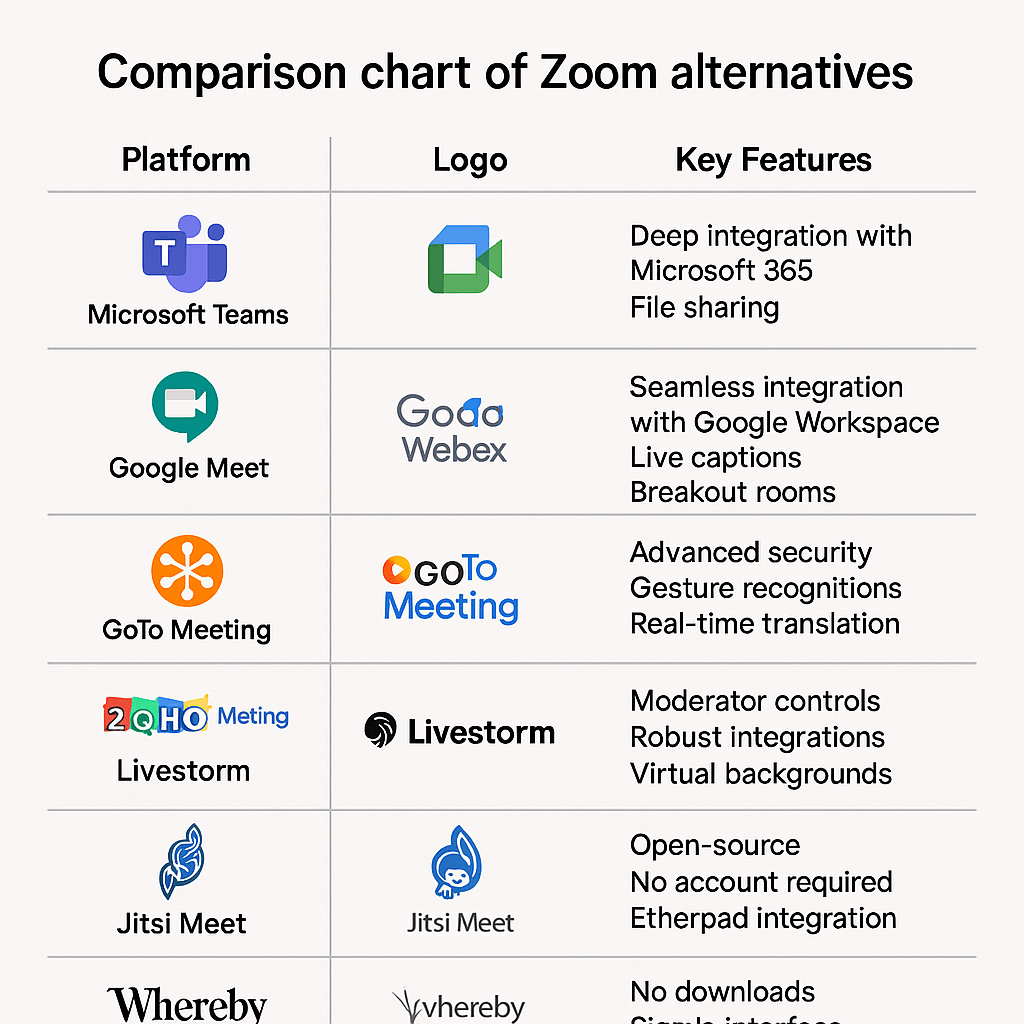
1. Microsoft Teams – Best for Microsoft 365 Users
Perfect for organizations already using Outlook, Word, Excel, and OneDrive. Offers native loop components, live document co-editing, and calendar syncing.
Pros: Strong security, excellent collaboration tools, scalable storage.
Cons: Interface can be overwhelming for new users.
Price: Free and paid from $4/user/month.
2. Google Meet – Best for Simplicity and Speed
Ideal for quick meetings with easy access via Gmail and Calendar. Google’s AI-powered noise cancellation and clean design improve focus.
Pros: Seamless with G Suite, strong free plan.
Cons: No private chat or breakout room customization.
Price: Free and paid from $6/month.
3. Cisco Webex – Best for Enterprise Security
Webex is great for large organizations needing strict compliance, AI meeting assistants, and real-time transcription.
Pros: Feature-rich, gesture recognition, scalable.
Cons: Interface is not as intuitive.
Price: Free and paid from $14.50/month.
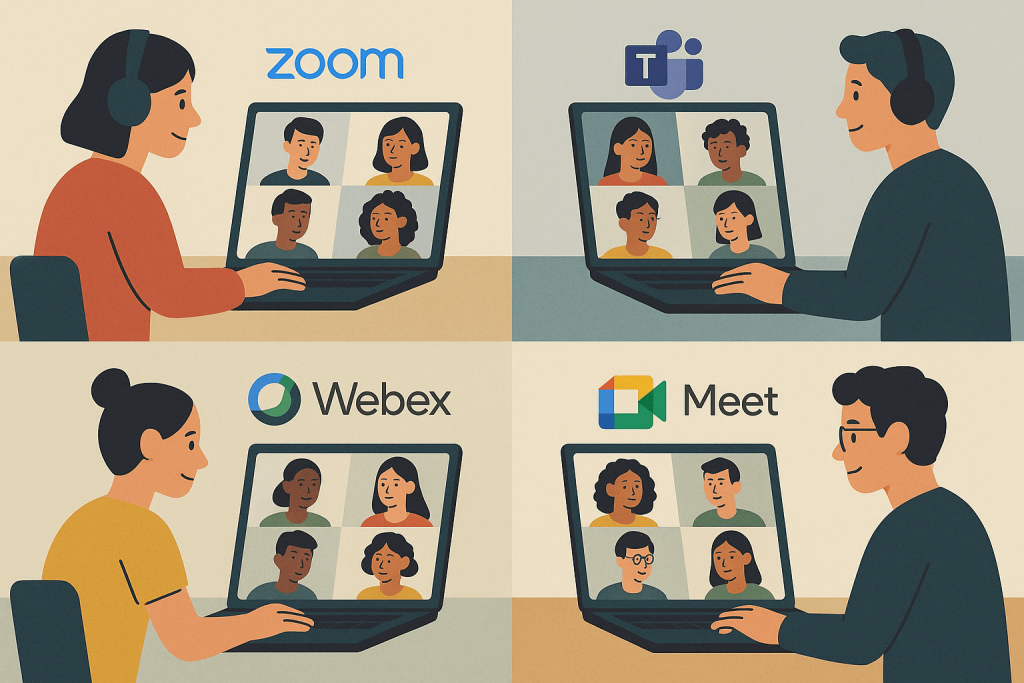
4. Skype – Best Free Option for Personal Use
Skype remains relevant for personal use or micro teams. Offers free calls, basic chat, and emoji reactions.
Pros: Lightweight and free.
Cons: Glitches, lacks webinar or advanced features.
Price: Free.
5. GoTo Meeting – Best for HD Recordings
Great for high-quality calls with HD recording, AI assistant, and Outlook/Chrome integration.
Pros: 256-bit encryption, robust calendar sync.
Cons: Weak free tier, fewer webinar tools.
Price: $12 – $16/organizer/month.

6. Whereby – Best No-Download Experience
Browser-based, lightweight tool with no sign-up required for guests. Works well for external meetings.
Pros: Fast, brandable meeting rooms.
Cons: Limited attendee cap and customizations.
Price: Free – $9.99/user/month.
7. Livestorm – Best for Webinars & Analytics
Livestorm is perfect for running marketing webinars, product demos, and online events with attendee tracking and automated workflows.
Pros: Deep analytics, customizable registration.
Cons: Pricey for small teams.
Price: Free limited plan; Pro at $79/month.
8. RingCentral Video – Best for VoIP + Video
Great for businesses looking for one platform for calls, meetings, and team chat.
Pros: AI voice cleanup, task integration.
Cons: Learning curve, lags in large meetings.
Price: Free – $49/month.
9. ClickMeeting – Best for Online Education

Used widely by educators for its classroom tools, interactive boards, and seamless monetization options.
Pros: Education-ready, poll & quiz tools.
Cons: Analytics could be deeper.
Price: Starts at $26/month.
10. BigMarker – Best for Workshops & Breakout Rooms
Excellent for team training, events, and hybrid formats. Offers live polls, breakout rooms, and strong integrations.
Pros: Deep engagement tools.
Cons: Limited gamification, no free plan.
Price: Custom.
11. Zoho Meeting – Best Budget Pick
Great for Zoho CRM users, budget-focused startups. Includes recordings, scheduling, screen sharing.
Pros: Secure, affordable, good support.
Cons: No breakout rooms or automation.
Price: Starts at $1/month.
12. 8×8 Meet – Best for Large Audience Streaming
Designed for big virtual events. Comes with advanced reporting and real-time analytics.
Pros: High scalability.
Cons: No free plan, screen sharing issues.
Price: Contact sales.
13. Jitsi Meet – Best Open Source Tool
Privacy-focused, open-source option with no account needed. Good for developers or nonprofits.
Pros: No cost, customizable.
Cons: Stability issues, lacks recording.
Price: Free.
14. Chanty – Best for Team Chat + Tasks
Not just video: includes Kanban task boards, voice messaging, and collaboration tools.
Pros: Chat + project workflow in one.
Cons: Basic video features.
Price: Free – $3/user/month.
15. ON24 – Best for Large-Scale Webinars
Ideal for enterprise webinars with immersive experiences, branding, and feedback tools.
Pros: Deep analytics, high audience capacity.
Cons: Complex UI, no free plan.
Price: Custom pricing.
How to Choose the Right Zoom Alternative
- Need an all-in-one suite? Try Microsoft Teams or RingCentral.
- Hosting webinars? Use Livestorm, ClickMeeting, or ON24.
- Need free & simple? Google Meet or Jitsi Meet.
- External clients? Choose Whereby or Skype.
- Education-first? ClickMeeting, BigMarker.
Best Free Zoom Alternatives
| Tool | Free Plan Features | Limitations |
|---|---|---|
| Skype | Unlimited meetings, file sharing | Basic chat, no webinars |
| Google Meet | 60-min calls, up to 100 participants | No private chat |
| Jitsi Meet | Fully free, open source, no signup needed | No recording, less stable |
| Microsoft Teams | Chat, meetings, 5 GB OneDrive | Microsoft account required |
Conclusion: Which Zoom Alternative Is Best for You?
The best Zoom alternative in 2025 depends entirely on your goals:
- Internal team work: Microsoft Teams, Chanty
- Webinars & lead gen: Livestorm, BigMarker, GoTo Webinar
- External client calls: Whereby, Skype
- Education & training: ClickMeeting, Webex
Test a few of these tools via their free plans or trials and identify what best aligns with your needs. There’s no longer a one-size-fits-all solution in video conferencing—which is great news for flexibility and innovation.
Leave a Reply